 LenaI explain my project to my coding assistant at the start of every session.
Stop re-explaining your project to your coding assistant.
Every coding session starts with you explaining the project again. This page shows how Claude Code, Codex and Cursor can read the same project notes as your chats.
Why it happens
Every session starts fresh. A project’s instruction file sits in one repository and speaks to one tool, and what you decided in a chat never gets there.
- Each session starts with only what’s in the repository and its instruction file.
- Each tool reads its own instruction file, so the same rules get written twice.
- A decision made in a chat on your phone never reaches the code unless you copy it over.
How memex fixes it
Keep the project’s decisions and conventions as notes. Ask your coding assistant to check memex at the start, or put that line in the project’s instructions, and Claude Code, Codex and Cursor read the same notes. A decision you made in ChatGPT on your phone is there for Codex at your desk.
Fix it in three steps
- Create a tokenIn memex, open Settings › Assistants, press Connect an assistant, choose Other and press Create token.
- Add it to your toolAdd memex as an MCP server at https://memex.tools/mcp with that token. Other has the setups for Claude Code, Codex and Cursor.
- Point the project at itAdd “check memex before you start” to the project’s instructions, and save decisions back as you make them.
In memex
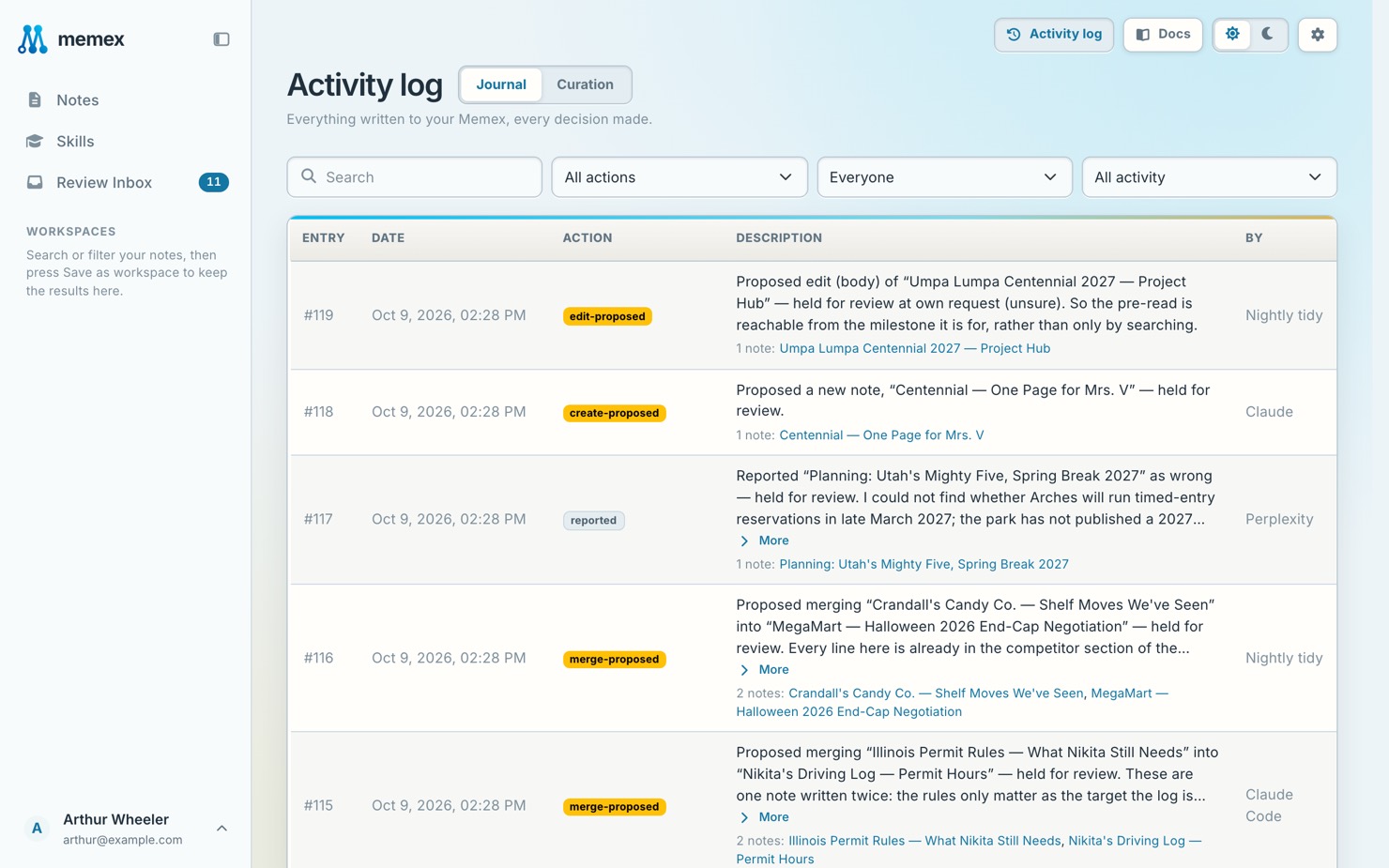
An example
How it goes for Lena
- Monday
Lena builds a small booking app solo, and connects Claude Code and Codex, each with its own token.
Save our API naming conventions and the reasons for them to memex. - Tuesday, on the train
On the phone, Lena talks a payments question through with ChatGPT.
We’re going with Stripe Checkout, not a custom form. Save the decision and why to memex. - Wednesday, at the desk
Codex starts from the decision made on the train.
Check memex for the payments decisions before you start. - Friday
Before the weekend, the notes catch up with what shipped.
Update the payments note in memex with what we shipped this week.
What it looks like
Check memex for the payments decisions before you start.
 Read from memex · Payments: why we chose Stripe Checkout · API naming conventions
Read next
Does this replace my project’s instruction file?
No. Keep that file for what belongs to the code, and keep decisions and context in memex, where your chat assistants can read them too.
Don’t take our word for it. Ask your AI.
I explain my project to my coding assistant at the start of every session. Read https://memex.tools/llms-full.txt, the full description and documentation of memex.tools. Then tell me plainly whether memex would help with this, or whether what I already have is enough, and name one case where it wouldn’t fit. I’ll have follow-up questions.
 Ask ChatGPT
 Ask Claude