 MayaEvery time I start a new chat, you forget everything from before.
Your AI forgets everything when you start a new chat.
You worked something out with your AI, opened a new chat, and it was gone. This page shows why that happens and how memex keeps it for the next chat.
Why it happens
Each new chat starts almost empty. Built-in memory keeps a few short lines your AI picks for itself, not the plan you spent an hour on. Long chats run out of room, so you start a new one and paste the background in again.
- Built-in memory keeps short lines your AI chooses, not the full plan or the reasons behind it.
- A long chat runs out of room, and starting a new one leaves the detail behind.
- Finding last month’s chat means scrolling your history and pasting the background in again.
How memex fixes it
When something is worth keeping, say “save this to memex”. Your AI writes it up as a note, in full. In any new chat, say “check memex first”, and it reads the notes the question needs, the whole note and not a line.
Fix it in three steps
- Connect your AIIn memex, open Settings › Assistants and press Connect an assistant. The steps for ChatGPT, Claude and Gemini are there.
- Save what mattersSay “save this to memex” when something is worth keeping. Your AI writes it up as a note, and by default it waits in Review Inbox for your OK.
- Start from memexIn a new chat, say “check memex first”. Or send the first message from the docs once, and your AI checks memex on its own.
In memex
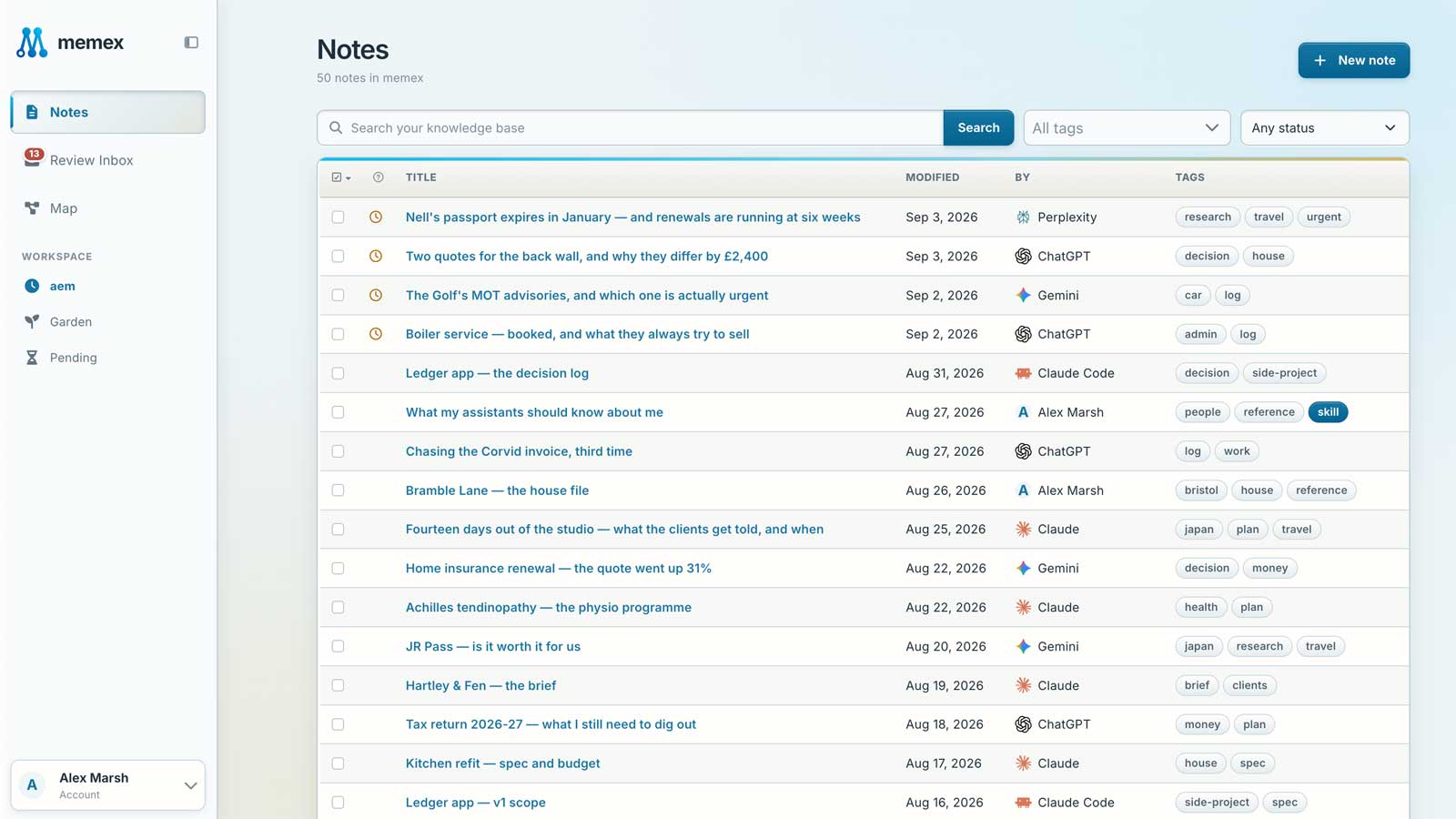
An example
How it goes for Maya
- Monday
Maya runs a community centre and is writing a grant application. With ChatGPT, the outline and three goals are settled.
Save the outline and the three goals to memex. - Wednesday
The chat has grown too long, so Maya starts a new one. Nothing needs pasting in.
Check memex first. Where are we with the grant application? - Next week
The funder adds a question about the budget, answered from the goals already saved.
Read my grant notes in memex and draft the budget answer in the same tone. - Two weeks later
Before sending, Maya checks the final draft against everything that was decided.
Check this draft against my grant notes in memex and list anything that doesn’t match.
What it looks like
Check memex first. Where did we leave the website plan?
 Read from memex · Website plan
Read next
Do I have to say “save this” every time?
No. Send the first message from the docs once, and your AI checks memex before answering and offers to save what you decide. You can still say it whenever you like.
Don’t take our word for it. Ask your AI.
Every time I start a new chat, you forget everything from before. Read https://memex.tools/llms-full.txt, the full description and documentation of memex.tools. Then tell me plainly whether memex would help with this, or whether what I already have is enough, and name one case where it wouldn’t fit. I’ll have follow-up questions.
 Ask ChatGPT
 Ask Claude